
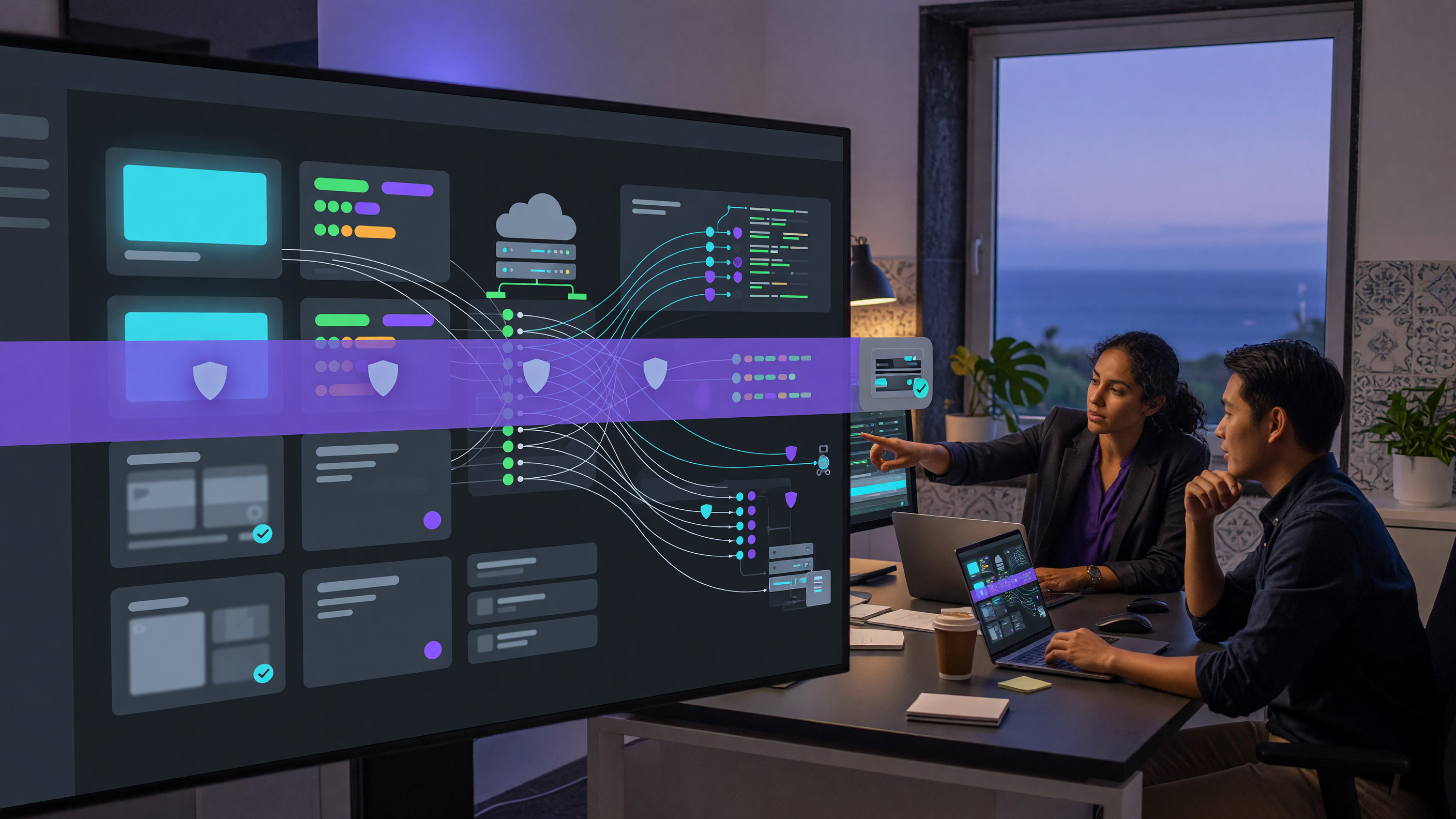
Many smaller organisations run their public website on WordPress and treat it as a marketing asset rather than operational infrastructure. The 17 July WordPress 7.0.2 security release is a useful reminder that a brochure site, booking page or client portal can still become a business-continuity risk when a core platform issue appears.
What was released
WordPress.org announced version 7.0.2 on 17 July 2026 as a security release addressing one critical and one high-severity issue. The project recommends that sites update immediately and says forced updates have been enabled through the auto-update system for sites running affected versions.
The release includes fixes for a facilitated SQL injection issue and a REST API batch-route confusion and SQL injection issue that can lead to remote code execution. WordPress lists the related references as CVE-2026-60137 and CVE-2026-63030, with backported fixes for supported affected branches.
The version details matter for anyone responsible for a business site. WordPress 6.9 is affected by both vulnerabilities and is fixed in 6.9.5. WordPress 6.8 is affected by the SQL injection issue and is fixed in 6.8.6. WordPress 7.0 sites should move to 7.0.2, while 7.1 beta users should use beta 2. Versions before 6.8 are listed as not affected by these two issues.
Why WAF protection helps, but does not replace patching
Cloudflare said it received coordinated disclosure from the WordPress security team before public release and deployed new Web Application Firewall rules at 17:03 UTC on 17 July 2026. The rules target requests associated with the SQL injection and unauthenticated remote code execution paths and are available to proxied Cloudflare customers, including free and paid plans.
That is useful defence in depth for a small business because it can reduce exposure while automatic updates run, while a web supplier schedules checks, or while a hosting environment is being verified. It is not a reason to leave WordPress unpatched. Cloudflare is explicit that WAF rules reduce risk at the edge but do not fix the underlying vulnerable code.
The practical lesson is to treat the website as a system with layers: WordPress core, themes, plugins, hosting, DNS, WAF, backups and monitoring. If any one layer is assumed to cover everything, the business can miss the simple questions that matter most after a security release: which version is live, which rules are enabled, what traffic was blocked, and can the site be restored cleanly?
What this means for an SMB website
For an SMB, the highest risk is often not an exotic exploit chain. It is uncertainty. The owner thinks automatic updates are enabled, but the host disabled them years ago after a plugin conflict. The developer believes Cloudflare is proxying the site, but one subdomain bypasses it. A backup exists, but it only covers files and not the database. No one has a recent note explaining who can make an emergency change.
This is especially important for sites that handle enquiries, bookings, forms, client downloads or private content. Even if the public pages are simple, WordPress usually stores credentials, form submissions, API tokens, plugin settings and database content that should not be exposed or corrupted.
The right response is measured. Confirm the update, check logs and WAF events for suspicious REST API or SQL injection attempts, review administrator accounts, and test a restore path before making broad changes. If the site is business-critical, take a clean backup before updates and keep evidence if compromise is suspected.
Where brianda.cloud fits
brianda.cloud can help turn an urgent WordPress security release into a controlled checklist: version confirmation, safe updates, WAF and DNS review, origin exposure checks, backup validation and monitoring of blocked or suspicious requests. The aim is not to over-engineer a small site, but to remove guesswork from a high-pressure update window.
For businesses in Portugal and the Azores, that can be valuable when the website is split between a hosting provider, a design agency and an internal manager. A short operational review can show what is already protected, what needs patching, and what recovery steps should be written down before the next urgent release.
Sources
This brianda.cloud analysis is based on the public sources listed below. It is general operational guidance, not incident-specific forensic or legal advice.
Sources consulted for this analysis:
- WordPress 7.0.2 ReleaseWordPress.org · 2026-07-17
- Cloudflare WAF protects WordPress applications from two high-severity vulnerabilitiesCloudflare · 2026-07-17
- CVE Record: CVE-2026-60137Common Vulnerabilities and Exposures · 2026-07-17