The modern home runs on a surprisingly busy network. Someone is on a video call. A child is using a tablet. A smart television is streaming. Cameras, lights, doorbells and a printer are quietly connected in the background. When it all works, nobody thinks about it. When it does not, the whole evening can become a support ticket.
Home technology has become personal infrastructure
A good home setup is not about buying the most gadgets. It is about making the essentials dependable: Wi-Fi that reaches the rooms where people work and relax, devices that reconnect properly, family accounts that are protected, and copies of the photos and documents that matter.
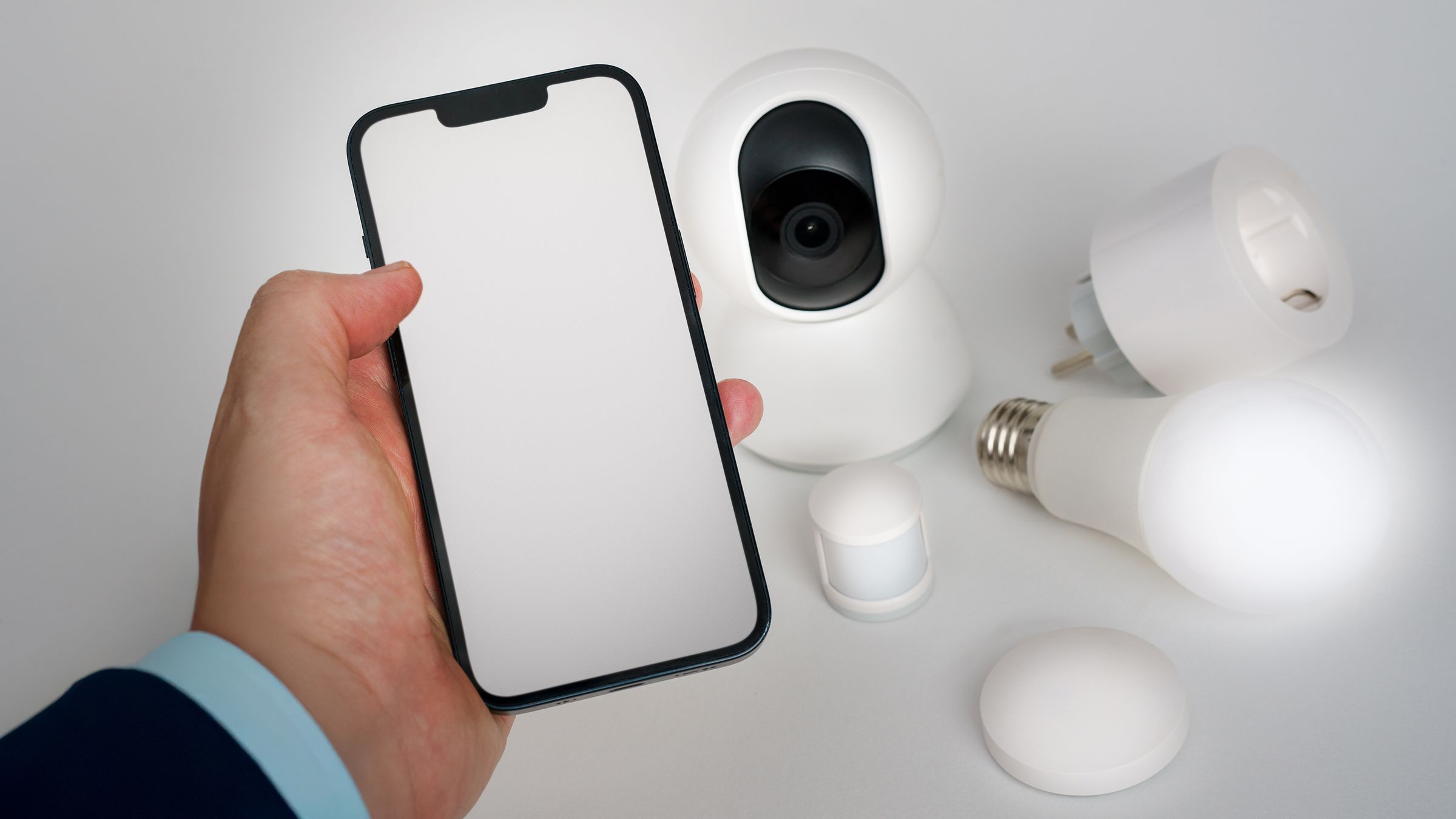
The privacy side matters as well. The National Cyber Security Centre notes that everyday internet-connected devices now include cameras, speakers, thermostats, appliances and fitness trackers. These devices need updates and sensible setup just like a phone or laptop. A weak password, an unsupported camera or a forgotten remote-access setting can turn a convenience feature into an unnecessary risk.
Start with the network, not the gadget
Most frustrating home-technology problems have the same root: an overloaded, badly placed or poorly configured network. A stronger router alone does not automatically solve coverage in a house with thick walls, different floors or an office at the far end of the building. The solution may be better placement, a wired access point, a mesh layout or a small adjustment to how devices are grouped.
brianda.cloud can assess the real layout of the home, measure what is practical, and build a network that supports work, streaming, gaming and everyday devices without asking the family to learn networking. Where it makes sense, guest and smart-home devices can be kept apart from the computers and storage that hold more sensitive information. The design should fit the house and the people who use it.
Privacy should be a setting, not a wish
Smart cameras and doorbells can be useful, especially when a home is empty. They also deserve a deliberate setup. The NCSC recommends changing any default password, enabling automatic updates, turning on two-step verification where it is available and disabling remote viewing if it is not needed. Its camera guidance also explains that features such as UPnP and port forwarding can expose devices in ways a household may not expect.
That does not mean every smart device must be avoided. It means remote access should have a reason, the account should have a strong unique password, and nobody should be left wondering which app owns the camera or how to revoke access if a phone is lost. brianda.cloud can set up the devices people genuinely want, document the accounts and recovery path, and leave the system understandable after the installation day.
Family photos deserve a recovery plan
A cloud-sync icon is reassuring, but synchronisation is not always the same as a backup. A mistaken deletion, a broken account, a lost phone or an overwritten folder can spread quickly when every device mirrors the same change. The important question is simple: if the family needs a photo, document or home-office file from last month, where does the clean copy live and has anyone tried restoring it?
CISA’s ransomware guidance recommends keeping protected backups and testing that they can be restored. The same habit makes sense at home. brianda.cloud can put in place an appropriate mix of local and off-site copies, retention that matches the household, and a small restore test. The aim is not enterprise complexity. It is knowing that the memories and files are still there when they are needed.
A calm home setup is the real result
Home support should reduce friction, not add another dashboard to check. A useful outcome is straightforward: better coverage in the rooms that matter, a secure router, connected devices with clear ownership, protected accounts, copies of important data, and someone to call when a change is needed.
brianda.cloud can bring the same practical approach used for reliable digital systems into the home: assess the network, install and tidy the equipment, protect the accounts and devices, set up backups, and explain the few things the household needs to know. The technology stays in the background, where it belongs.
Sources
This brianda.cloud analysis is based on the public sources listed below. It is practical guidance for home technology, not a guarantee that any individual device or network is secure.
Sources consulted for this analysis:
- Smart devices: using them safely in your homeNational Cyber Security Centre (UK) · 2024-02-23
- 'Smart' security cameras: using them safely in your homeNational Cyber Security Centre (UK) · 2020-03-03
- #StopRansomware GuideCISA, FBI, NSA and MS-ISAC · 2023-09